
If you’ve ever been frustrated by generic or unhelpful answers from ChatGPT, the problem usually isn’t the AI—it’s the prompt. Most people type in vague instructions like “Write me a blog post about marketing” and then wonder why the result sounds bland.
The truth is, ChatGPT works best when you guide it with structure. The most powerful formula I’ve tested is:
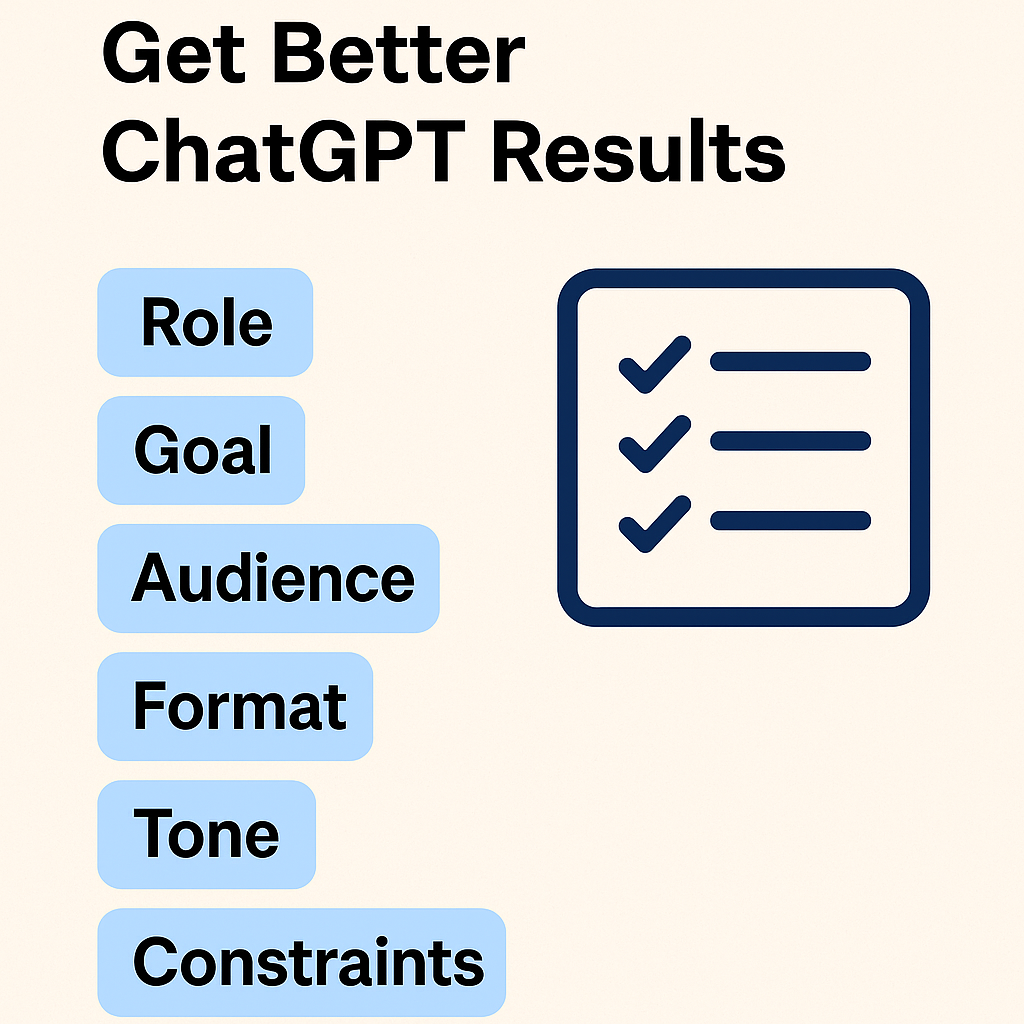
Role + Goal + Audience + Format + Tone + Constraints + Next Step
When you stack these together, ChatGPT has everything it needs to create a response that feels tailored, actionable, and ready to use.
Let’s break it down with practical prompt examples you can try today.
1. From Zero to First Draft in One Go
Prompt Example:
Act as [role]. Goal: [goal]. Audience: [who]. Format: [format]. Tone: [tone]. Constraints: [word count, citations, style]. Produce the best first draft and then list 3 quick improvements.
Why it works:
- The role makes ChatGPT “think” like the right expert (a marketer, a teacher, a coach).
- The goal defines the outcome clearly.
- Audience helps the AI pick the right language and depth.
- Format and tone keep the output usable.
- Constraints prevent fluff.
- The “next step” forces ChatGPT to self-edit and improve its own work.
Use Case:
A small business owner might say:
Act as a social media strategist. Goal: write an Instagram caption that promotes my new organic tea blend. Audience: health-conscious millennials. Format: 3 caption options. Tone: upbeat, playful. Constraints: under 50 words, with 3 hashtags. Produce the best draft and then list 3 quick improvements.
2. Clarify Before You Create
Prompt Example:
You are [role]. Analyze this input: [paste]. Ask me 5 clarifying questions, then restate the brief and propose a step-by-step plan.
Why it works:
Instead of jumping straight into creating, ChatGPT slows down and collaborates with you. The clarifying questions reveal gaps in your thinking, while the restated brief makes sure you and the AI are aligned before moving forward.
Use Case:
A course creator might paste in a messy outline and prompt:
You are an instructional designer. Analyze this input: [paste course notes]. Ask me 5 clarifying questions, then restate the brief and propose a step-by-step plan for turning this into a learner-friendly online course.
3. Turn Tasks Into Reusable Templates
Prompt Example:
Create a checklist template for [task]. Include sections: inputs needed, steps, quality checks, and common mistakes with fixes.
Why it works:
Instead of reinventing the wheel each time, you walk away with a repeatable framework you can reuse and share. ChatGPT thinks not only about the “to-dos,” but also about the common pitfalls and quality checks that save you headaches later.
Use Case:
An entrepreneur could ask:
Create a checklist template for launching a product on Etsy. Include sections: inputs needed, steps, quality checks, and common mistakes with fixes.
Final Thought
ChatGPT isn’t just a tool—it’s a collaborator. But like any collaborator, it performs best when you give it clear direction. Stop writing vague prompts and start using the Role + Goal + Audience + Format + Tone + Constraints + Next Step formula.
The difference between a generic answer and a tailored, high-value response often comes down to how well you prompt.
Try one of the examples above in your next ChatGPT session and watch how much sharper, faster, and more useful your results become. Sign up for our newsletter for more great tips.